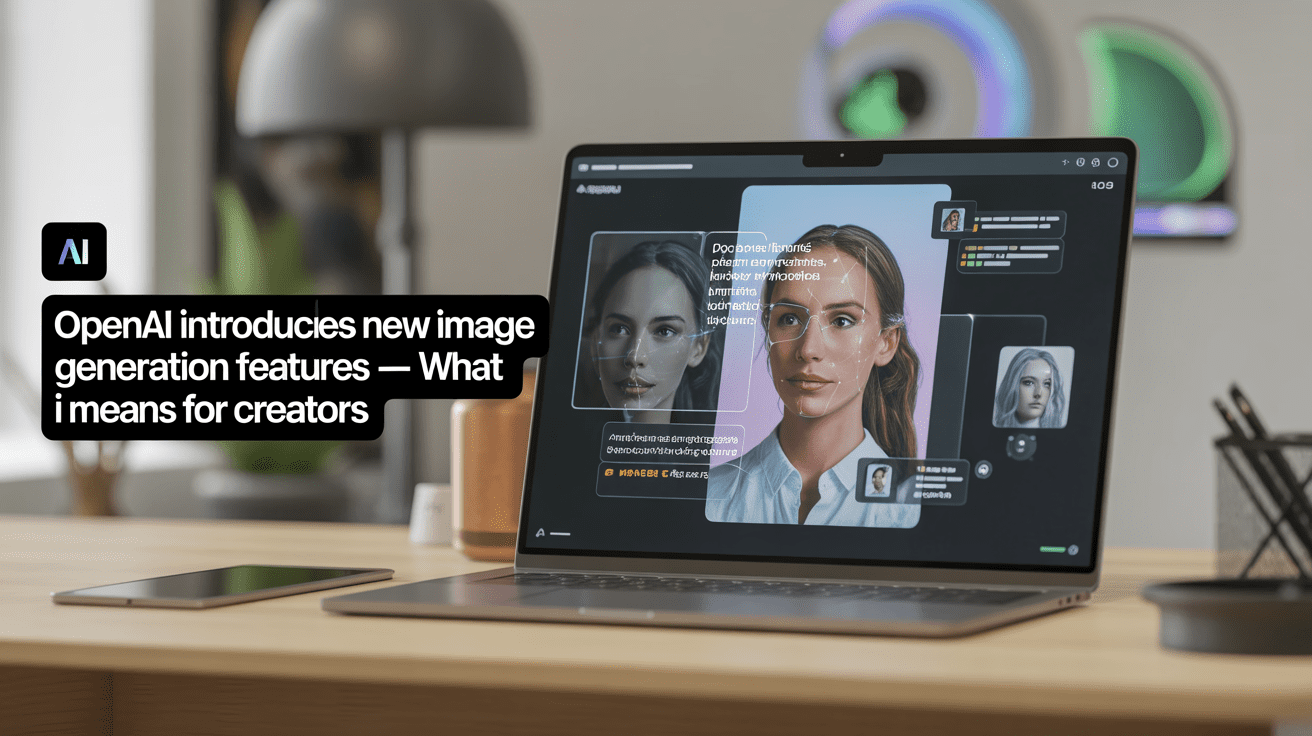
Introducing new OpenAI image generation features that signal a clear shift in how visual content is created, edited, and deployed. This update is not about novelty images or experimental art. It focuses on practical creation, faster iteration, and greater creative control, especially for creators who publish consistently.
For designers, marketers, bloggers, and independent creators, these changes matter because image creation now moves closer to the speed and flexibility of writing. Visuals no longer slow down publishing workflows. Instead, they adapt to them.
This article explains what OpenAI’s new image generation features offer, how they compare with existing tools, and what they realistically mean for creators in 2026.
What’s New in OpenAI Image Generation Update
OpenAI’s latest image generation upgrade improves three core areas: speed, instruction accuracy, and editing control. Rather than forcing creators to regenerate entire images, the system allows targeted adjustments while preserving composition and context.
Creators can now refine specific elements such as lighting, background objects, or text placement without starting over. This improvement reduces wasted time and makes AI-generated images usable in real production workflows.
The update is integrated directly inside ChatGPT’s interface and also available through OpenAI’s API, which expands its use beyond casual creation into professional tools and platforms.
Why This Update Matters for Creators
The biggest impact is workflow compression. Tasks that previously required multiple tools can now happen in a single environment.
Creators no longer need to generate an image, export it, open a design tool, and manually fix errors. Instead, they can iterate directly with instructions. This speeds up content cycles and reduces friction.
This shift benefits creators who publish frequently, including bloggers, newsletter writers, and social media managers who need visuals aligned with written content.
You can explore how AI tools already support creators across formats in this guide:
Source: https://curatedaily.in/best-ai-tools-for-content-creators-in-2026/
Practical Use Cases for Different Creator Types
For Bloggers and Content Marketers
Bloggers use AI images to support explanations, create featured images, and improve engagement metrics. With improved detail control, visuals can now match article tone more accurately.
This is especially useful for educational and evergreen content where clarity matters more than artistic experimentation.
Related resource on your site:
Source: https://curatedaily.in/free-ai-image-generator/
For Social Media Creators
Speed defines success on social platforms. The ability to generate, adjust, and publish visuals quickly allows creators to react to trends without design delays.
This makes OpenAI’s update competitive with dedicated design platforms like The Verge while keeping everything within a conversational interface.
For Designers and Visual Artists
Designers use AI image generation less as a replacement and more as a concept accelerator. Faster drafts help communicate ideas to clients before moving into detailed manual design.
This trend mirrors Adobe’s approach to generative tools aimed at professionals.
For Developers and Product Teams
Through the API, developers can embed image generation directly into apps, dashboards, and creator tools. This allows automated asset generation at scale.
OpenAI’s focus on instruction accuracy reduces unpredictable outputs, which is critical for product use.
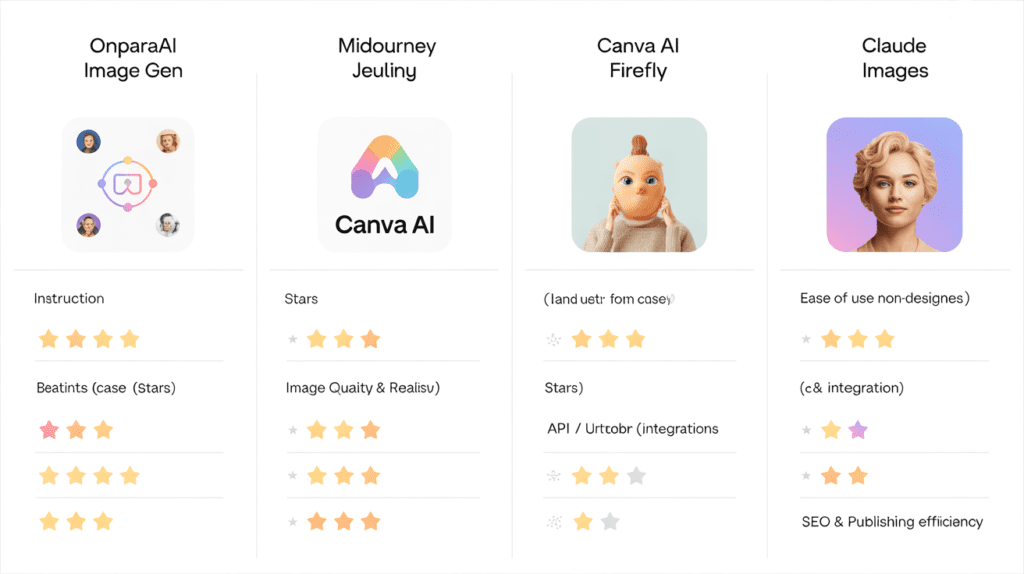
How OpenAI’s Image Generation Compares to Other Tools
The market is crowded, but the differentiation is clear.
- MidJourney excels in artistic style but lacks precision editing
- Canva AI focuses on templates and layout simplicity
- Adobe Firefly integrates deeply with professional design tools
OpenAI positions itself in the middle: flexible, fast, and instruction-driven.
For a broader view of AI tool ecosystems, readers can explore:
Internal link: https://curatedaily.in/category/ai-tools-applications/
Limitations Creators Should Be Aware Of
Despite improvements, AI image generation still has boundaries.
- Highly specific brand guidelines may require manual correction
- Copyright clarity depends on usage and jurisdiction
- Over-reliance can reduce originality if prompts are reused
Creators who treat AI as an assistant rather than a replacement maintain better creative control and audience trust.
Coverage on AI ethics and copyright:
Source: https://www.techcrunch.com
Curate Daily Insight: How Creators Are Adapting to OpenAI Image Generation
At Curate Daily, we observe creator behavior beyond product announcements. With recent advances in OpenAI Image Generation, creators are not chasing novelty. They are reducing creative friction and tightening workflows.
Bloggers now introduce visuals earlier in the publishing process. Instead of adding images after writing, they use OpenAI Image Generation to shape tone, layout, and structure from the first draft. This change leads to stronger visual-text alignment and fewer last-minute design revisions.
Social media creators rely on OpenAI Image Generation for rapid experimentation. Multiple image variations are produced from a single idea, allowing creators to test formats, messaging, and visual styles before committing to a final post. Speed matters more than perfection at this stage.
Design-focused creators use the tool as a concept accelerator rather than a replacement. Initial drafts help communicate ideas to clients or collaborators, while final refinement still happens through human judgment or professional design software.
The most successful creators show restraint. They limit OpenAI Image Generation to ideation, iteration, and refinement—not full automation. This balance preserves originality while maintaining production speed.
From our analysis, creators who integrate OpenAI Image Generation thoughtfully publish more consistently, adapt faster to trends, and maintain stronger audience trust.
How This Fits Into Broader AI Trends
This update reflects a larger trend: AI tools are moving from experimentation to infrastructure. Visual generation is becoming a default part of content workflows, not an optional add-on.
OpenAI’s approach aligns with how creators already work: write first, refine later, publish fast. Images now follow the same logic.
What Creators Should Do Next
Creators should not immediately abandon existing tools. Instead:
- Test OpenAI image generation for drafts and concept visuals
- Compare output speed and edit accuracy
- Use AI images where speed matters most
- Keep human judgment for final publishing decisions
Those who integrate AI gradually build more sustainable workflows.
For ongoing AI updates and trends, Curate Daily maintains a dedicated hub:
Check link: https://curatedaily.in/ai-news-hub-complete-guide-to-artificial-intelligence-updates-trends/
Final Thoughts
OpenAI’s new image generation features represent a practical evolution rather than a dramatic disruption. The real value lies in iteration speed, control, and workflow alignment.
For creators, this means fewer bottlenecks, faster publishing, and better consistency across formats. Those who adapt early will spend less time managing tools and more time shaping ideas.
As AI image generation continues to mature, the advantage will not come from using more tools, but from using the right tools in the right moments.
Frequently Asked Questions (FAQ)
What are new OpenA image generation features?
Who can use these new features?
How do these features benefit creators?
How does OpenAI compare to other AI image tools like MidJourney or Adobe Firefly?
Are there any limitations or ethical considerations?
Can creators use these images commercially?
Do these updates affect developers?
How do these features improve social media and marketing content?
Is this suitable for beginners or non-designers?
Where can I learn more about AI image generation and tools for creators?
Explore AI Tools Guide →
Have more questions about AI image generation? Contact our expert team