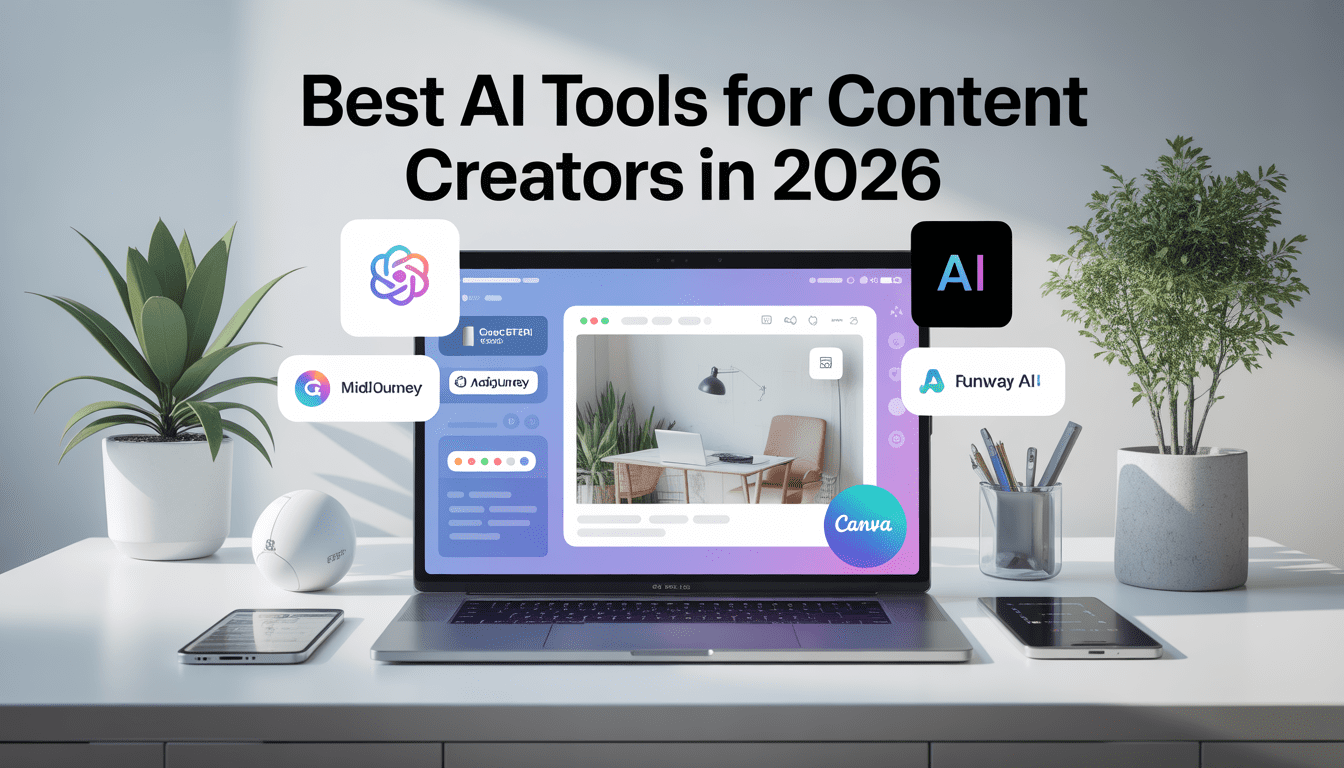
In 2026, content creators face growing competition. AI tools help creators produce content faster and more efficiently. They assist in writing, designing, editing, and marketing. Choosing the right AI tools improves workflow, creativity, and productivity. This guide reviews the best AI tools for content creators in 2026, so creators can make informed decisions and save time.
Why Content Creators Need AI Tools in 2026
Content creation demands speed, quality, and consistency. AI tools help creators achieve all three. AI writing tools generate drafts, captions, or social posts quickly. AI design tools create visuals and graphics with minimal effort. Video-focused AI tools automate editing, cutting down hours of work. With AI tools, creators maintain professional standards and complete more projects without burnout. Simply put, AI tools support efficiency and creativity.
How We Curated and Reviewed These AI Tools
We tested tools on effectiveness, usability, and innovation. Each tool was evaluated for writing, design, marketing, and analytics capabilities. Features, pricing, integrations, and user experience guided our selection. Only tools that delivered measurable results for content creators made it to this list. The goal: a curated, trustworthy guide without overwhelming options.
Best AI Tools for Content Creators (2026 Edition)
ChatGPT: AI Tool for Writing and Content Ideation
ChatGPT helps creators generate content ideas, outlines, blog posts, and social media captions with speed and clarity. Its ability to understand context, tone, and intent makes it useful for both short-form and long-form content.
Creators often utilise ChatGPT for brainstorming headlines, structuring articles, and refining content for various platforms. By reducing repetitive drafting work, ChatGPT enables writers to focus more on originality, storytelling, and delivering value to their audience.
MidJourney: AI Tool for Image Generation
MidJourney transforms text prompts into high-quality visuals. Creators use it to generate blog images, social media graphics, thumbnails, and campaign visuals without relying on stock photos.
The tool encourages originality by helping creators design unique visuals that match their brand style. For many content creators, MidJourney has become a core part of visual storytelling and audience engagement.
Jasper AI: AI Tool for Marketing Copy
Jasper AI is designed for creators who focus on marketing-driven content. It helps generate email campaigns, ad copy, landing page text, and promotional content while maintaining a consistent brand voice.
Creators use Jasper AI to speed up content production for conversions. It fits well into content workflows where clarity, persuasion, and tone consistency matter.
Canva AI: AI Tool for Design and Branding
Canva AI simplifies design for non-designers. It suggests layouts, colour palettes, fonts, and visual elements based on the content type.
Creators use Canva AI to design social media posts, presentations, infographics, and featured images quickly. It reduces repetitive design tasks while ensuring professional visual quality across platforms.
Notion AI: AI Tool for Content Planning and Organization
Notion AI helps creators organize ideas, plan content calendars, and structure projects. It assists with summarizing notes, generating outlines, and improving clarity in documentation.
Many creators use Notion AI as a central workspace to manage content pipelines, research, and publishing schedules. It improves focus and reduces mental clutter.
Descript: AI Tool for Audio and Video Editing
Descript simplifies audio and video editing by allowing creators to edit media like text. It automatically transcribes content and lets users cut, rearrange, or polish videos and podcasts easily.
Creators use Descript to speed up video production, remove filler words, and repurpose content across platforms without complex editing skills.
Grammarly AI: AI Tool for Writing Quality and Clarity
Grammarly AI helps creators improve grammar, clarity, tone, and readability. It goes beyond spell-checking by offering sentence-level suggestions tailored to audience intent.
Creators use Grammarly AI to polish blog posts, emails, and social captions before publishing. It ensures professional quality while saving editing time.
Pictory: AI Tool for Video Content Repurposing
Pictory converts blog posts and long-form content into short videos automatically. It is widely used for turning written content into social media videos.
Creators use Pictory to repurpose existing content and increase reach without recording new videos. This makes it especially useful for bloggers and educators.
Surfer SEO: AI Tool for Content Optimization
Surfer SEO helps creators optimize content for search engines by analyzing keywords, structure, and readability. It provides real-time suggestions while writing.
Creators use Surfer SEO to align content with search intent, improve rankings, and increase organic traffic without keyword stuffing.
Zapier: AI Tool for Workflow Automation
Zapier connects different tools and automates repetitive tasks. Creators use it to auto-publish content, sync data, and manage workflows across platforms.
By automating background tasks, Zapier helps creators focus more on content creation and less on manual operations.
Why This Tool Stack Works in 2026
The most successful creators in 2026 choose tools that:
Reduce friction, not creativity
Support consistency and speed
Fit naturally into daily workflows
Instead of chasing every new AI launch, creators focus on tools that provide long-term value and practical results.
Curate Daily Insight: How Creators Actually Use AI Tools
By 2025–26, the use of AI in content workflows has moved from “optional helper” to core production strategy. According to industry analyses, more than 80% of content creators now use AI in some part of their workflow, with a significant portion integrating multiple tools across formats like text, visuals, and video.
Integrated Workflows, Not Isolated Tools
Today’s most effective creators do not treat AI as a single hit-and-run generator. Instead, they orchestrate AI tools like a coordinated system, each tool handling specific stages of creation:
Planning & Research: Many creators begin with tools like ChatGPT or alternative LLMs to map content strategy, outline topics, and even gather trend signals from social and search data. These tools act as dynamic brainstorming partners, shortening research phases that used to take hours.
Writing & Drafting: After ideation, large language models help produce drafts, hooks, intros, and conversions across formats (from blog posts to scripts). Some users regularly feed outlines into a combination of ChatGPT and other assistants to generate multiple versions before refining manually.
Visual Creation: Once the story or message is ready, visual content follows — and here creators combine both AI image generators and design platforms. For example, one small business reported using MidJourney for initial visual concepts and then polishing those images with graphic editors like Canva. This hybrid workflow not only speeds production but also improves consistency and brand uniqueness.
Video Production: Video creators, especially on YouTube and short-form platforms, increasingly use AI tools as production accelerators. Tools that extract clips, auto-caption, or remix content (like emerging AI video platforms) significantly reduce hours of manual editing. As surveyed, video creators use AI more frequently than other creator types due to the heavy editing demands of these formats.
Real Creator Patterns: Efficiency Over Hype
Creators who succeed long term do three things consistently:
1. Build stacks that minimize context switching
Instead of hopping between 20 tools, most creators settle on a core 3–6 tool stack that syncs well. This reduces friction and keeps workflows predictable. For example, using Notion for planning, ChatGPT for drafting, MidJourney for visuals, and a single video editor cuts time dramatically compared to juggling separate tools for every task.
2. Reuse and refine prompts across projects
Experienced creators keep a prompt library — a set of saved prompt templates they tweak instead of writing new prompts every time. This practice narrows variation and fuels consistent output quality.
3. Treat AI outputs as starting points, not final products
Top creators rarely publish raw AI output. They refine, human-edit, and personalize it to ensure alignment with brand voice. AI becomes a co-creator rather than a replacement.
Trends Shaping How Creators Use AI
AI synthesis platforms are emerging that let creators combine models without switching contexts — a trend seen in tools like Figma Weave, which integrates multiple AI generators into one workflow canvas. This reflects a broader movement: creators want systems that adapt to complex tasks rather than single-purpose tools.
Another trend is the rise of agentic AI assistants — tools like Adobe’s conversational design assistant that can carry out tasks through natural language commands. This reduces manual controls for mundane actions (e.g., “change background white,” or “add bold title”), making creation faster for non-experts.
Bottom Line
Creators who don’t just use AI tools — but design clear, repeatable workflows around them — are the ones reaching consistent output and audience growth. The key difference is no longer what tool you use, but how you integrate tools in ways that support planning, production, editing, and amplification.
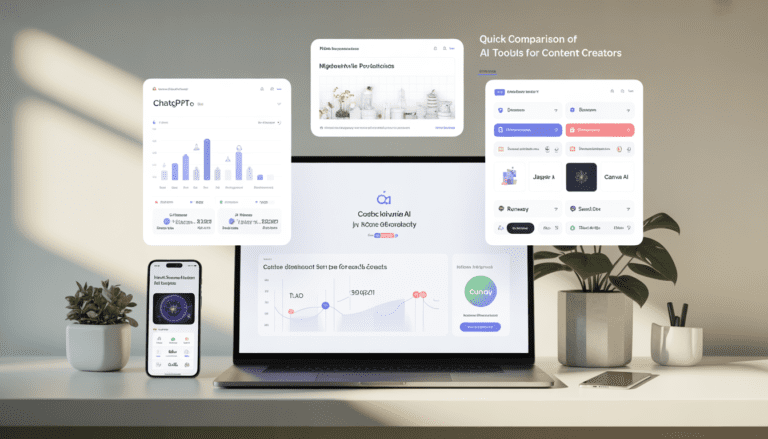
Quick Comparison of AI Tools for Content Creators
| AI Tool | Primary Use Case | What Creators Actually Use It For | Best Feature | Pricing Model |
|---|---|---|---|---|
| ChatGPT | Writing & Ideation | Blog drafts, outlines, scripts, captions, content repurposing | Context-aware writing and flexible prompting | Free & Paid |
| MidJourney | Image Generation | Thumbnails, blog visuals, social media graphics | High-quality, original AI visuals | Subscription |
| Jasper AI | Marketing Copy | Ads, emails, landing pages, brand messaging | Conversion-focused copy templates | Paid |
| Canva AI | Design & Branding | Social posts, presentations, infographics, thumbnails | Smart templates with brand consistency | Free & Paid |
| Notion AI | Planning & Organization | Content calendars, research notes, workflow documentation | AI-assisted content structuring | Free & Paid |
| Descript | Audio & Video Editing | Podcast editing, video cuts, transcription, captions | Edit media like text | Free & Paid |
| Grammarly AI | Writing Quality | Grammar correction, tone adjustment, clarity improvements | Contextual writing suggestions | Free & Paid |
| Pictory | Video Repurposing | Turning blogs into short videos | Automated video generation from text | Free Trial & Paid |
| Surfer SEO | Content Optimization | SEO writing, keyword placement, SERP alignment | Real-time SEO guidance | Paid |
| Zapier | Workflow Automation | Auto-publishing, tool integrations, task automation | No-code automation across platforms | Free & Paid |
This table helps creators choose the right tool based on workflow, budget, and content type.
How to Choose the Right AI Tool for Your Content Workflow
Select tools based on content goals and workflow needs. Writers benefit from ChatGPT or Jasper AI. Visual creators gain more value from MidJourney or Canva AI. Consider integration: tools that work with existing software reduce friction. Free trials help test features before committing. Using the right AI tool for the right task improves output quality and saves time.
Final Thoughts on AI Tools for Content Creators in 2026
AI tools have become essential for creators who want to stay competitive. The best AI tools in 2026 enhance efficiency, creativity, and quality. Combining multiple tools optimizes workflows and reduces repetitive work. Creators can focus on strategy, storytelling, and audience engagement, while AI handles tedious tasks. Experiment, stay updated, and let AI tools unlock your full creative potential.
Frequently Asked Questions
What are the best AI tools for content creators in 2026?
The best AI tools for content creators in 2026 include ChatGPT for writing, MidJourney for image generation, Jasper AI for marketing copy, Runway for video editing, and Canva AI for design. These tools help creators work faster while maintaining content quality.
Are AI tools worth using for content creation?
Yes, AI tools are worth using for content creation. They reduce repetitive tasks, improve production speed, and support creative workflows. Creators use AI tools to focus more on strategy and audience engagement.
Which AI tool is best for beginners?
ChatGPT and Canva AI are the best AI tools for beginners. Both tools are easy to use and require minimal setup. Beginners can create written and visual content without technical skills.
Can AI tools replace human content creators?
No, AI tools cannot fully replace human content creators. AI supports content production, but humans provide creativity, emotion, and original ideas. The best results come from combining human insight with AI assistance.
How many AI tools should a content creator use?
A content creator should use two to four AI tools. Writers benefit from one writing tool, one design tool, and one editing or marketing tool. Using too many tools can reduce workflow efficiency.
How do I choose the right AI tool for my workflow?
Choose an AI tool based on your primary content type. Writing-focused creators should prioritize AI writing tools. Visual creators should focus on AI design or video tools. Free trials help identify the best workflow fit.
Do AI tools help with SEO and content ranking?
Yes, AI tools help with SEO when used correctly. They support keyword placement, structure, and consistency. Human editing remains essential for originality and ranking success.
Still have questions? Contact our support team for more information.